
One-click toggle
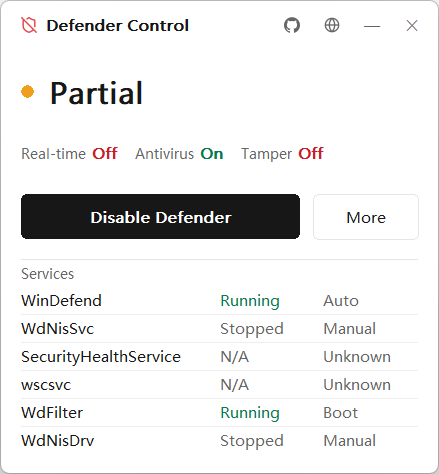
One button switches real-time protection, antivirus, tamper protection, services, and drivers together, and its label follows the current state.
A native Windows tool that turns Defender off and back on from a single button, writing a registry backup and a restore point first so every change can be undone
The whole tool is a single owner-drawn Win32 window that opens instantly and behaves the same on every machine
One button switches real-time protection, antivirus, tamper protection, services, and drivers together, and its label follows the current state.
The tool exports your Defender registry before disabling and restores it on enable. If no backup is found, it applies known-good defaults.
It runs under a TrustedInstaller token to write the protected keys and PPL services that ordinary administrator rights cannot modify.
An optional logon task re-applies the changes the moment Windows tries to revert them. It waits on a registry event, so idle CPU stays near zero.
A status dot shows the overall state, with separate indicators for real-time, antivirus, and tamper protection, plus a per-service detail panel.
Written in Rust against Win32 with hand-drawn GDI. The release binary is around 300 KB and ships with no WebView and no runtime dependencies.
Disabling runs under a TrustedInstaller token and is captured in full, so enabling restores the previous state exactly
Before any change, the tool creates a System Restore point and exports the Defender registry keys it is about to modify.
Policy keys, service Start types, WdFilter altitude, PPL flags,
Set-MpPreference, and an IFEO block on mpcmdrun.exe.
Watch mode waits on the key with RegNotifyChangeKeyValue. Enabling imports the backup and
restores every default.
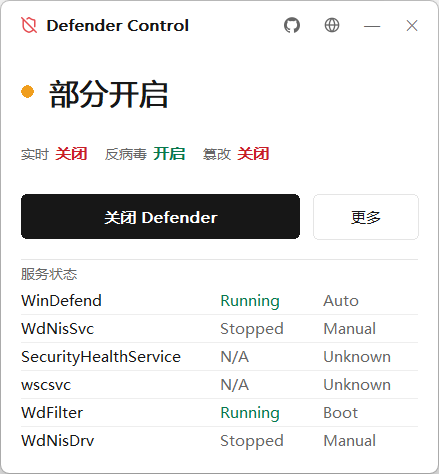
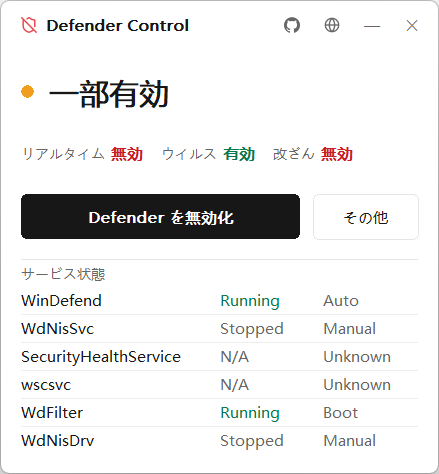
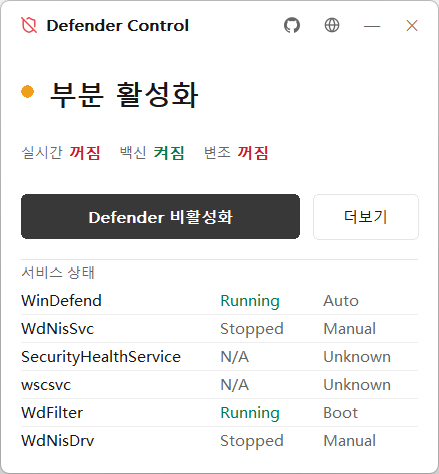
简体中文, English, 日本語, and 한국어, detected from your system language and remembered when you switch
There is no framework in between, so the binary calls Win32 directly
policy     Defender policy registry keys
services   driver & service Start types
altitude   remove WdFilter altitude value
ppl        strip service PPL flags
mp         Set-MpPreference (PowerShell)
ifeo       block mpcmdrun.exe
token impersonate TrustedInstallerDownload the latest release, or build from source with cargo build --release
Disabling Defender reduces your system's security. Use it only on machines you own. The tool creates a restore point and a registry backup, but you remain responsible for how you use it.